Appium 3 plugin · open source · self-hosted
Your whole mobile device lab, behind one Appium URL.
Xenon allocates Android and iOS devices across every machine in the lab, records each session, heals selectors that broke, and lets your team watch and control any phone from the browser.
appium plugin install --source=npm @xenon-device-management/xenon
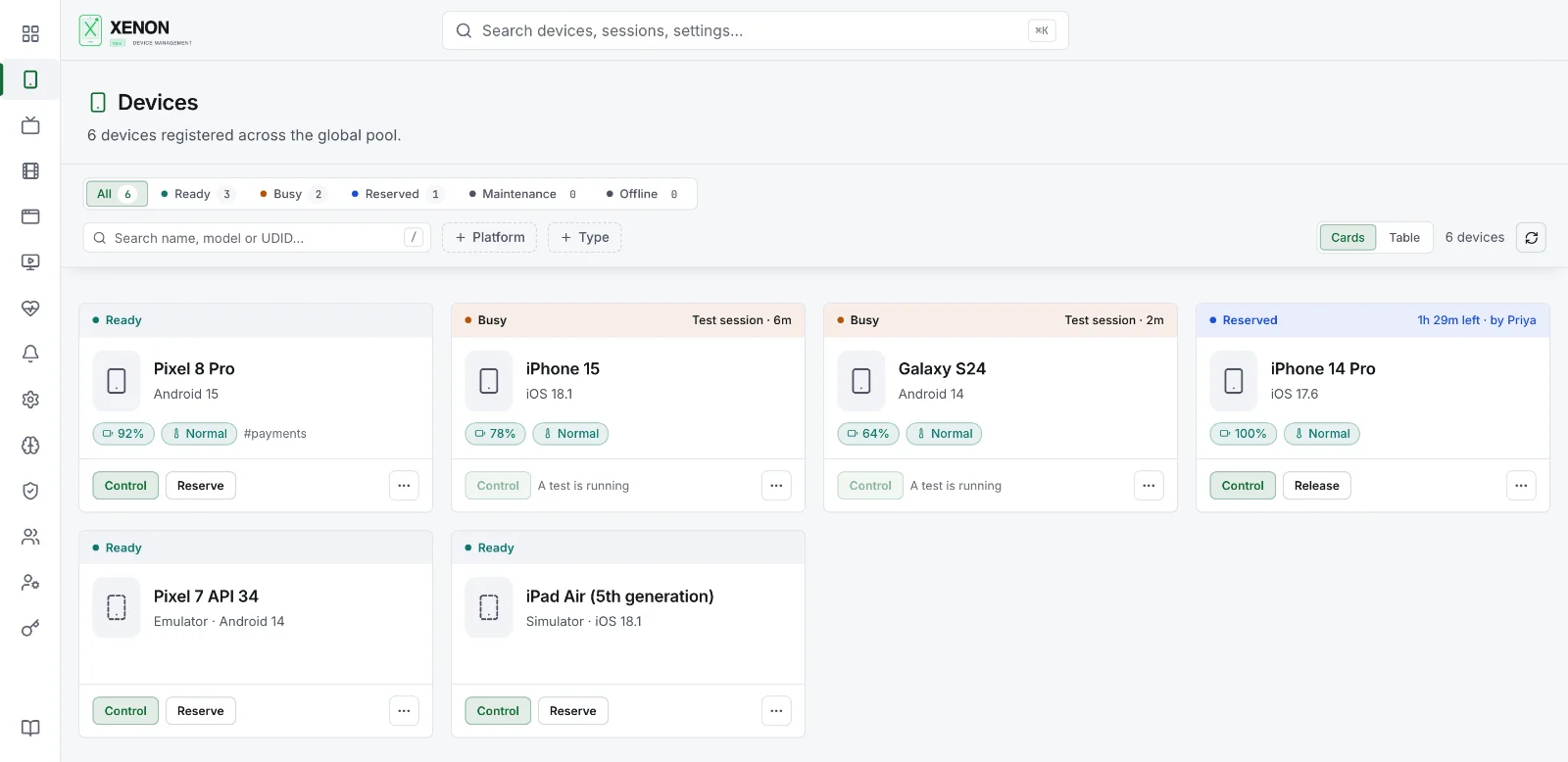
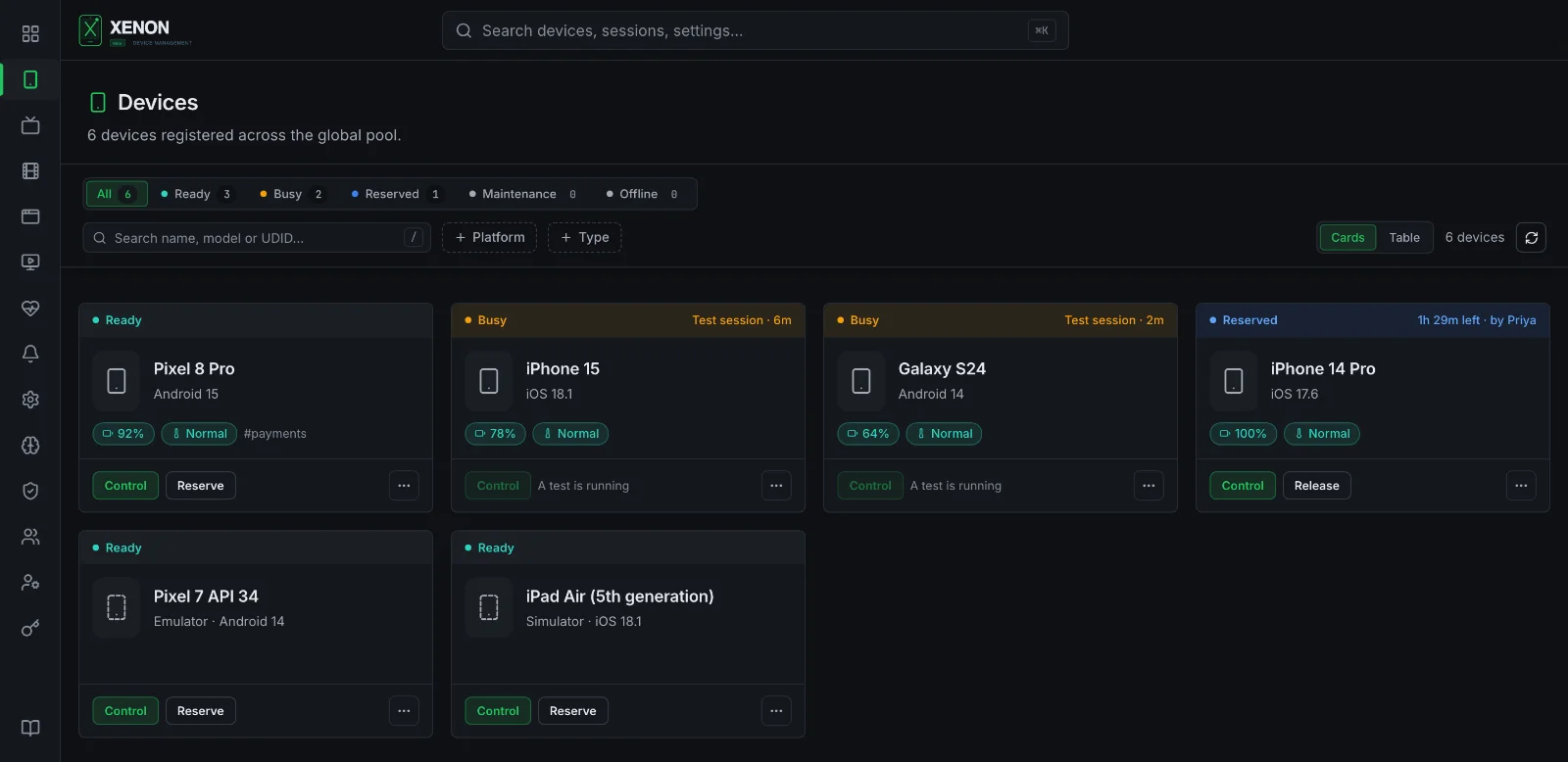
- Device labFinds every phone, emulator and simulator; one pool across hub and nodes.
- Live controlPreview, tap, type, install apps and stream Android logs in the browser.
- Test evidenceVideo, logs and commands for each session, and CPU and memory charts from Android phones.
- Self-healingSix strategies find a moved element before the test fails.
- Built for teamsRoles, teams, scoped tokens and a complete API.
How it fits
Nothing new for your tests to learn.
Tests keep their Appium client and ask for a device with ordinary capabilities. Xenon runs inside the Appium server and does the rest.
Your tests
- WebdriverIO
- Java
- Python
- Kotlin SDK
- any Appium client
+ CI leases over REST
Hub: Appium 3 + Xenon
Checks who you are and which devices your team may use, picks a free healthy one and records the session. One URL, one set of rules.
Nodes and devices
- Android phones
- emulators
- iPhones
- iOS simulators
on the hub's machine or any node, which runs their commands and heals their selectors
People, in the browser
watch, control, record and reserve devices · review sessions · fix selectors
Live control
Any phone in the lab, in your browser.
A live preview you can tap, swipe and type into, whichever machine the phone is plugged into.
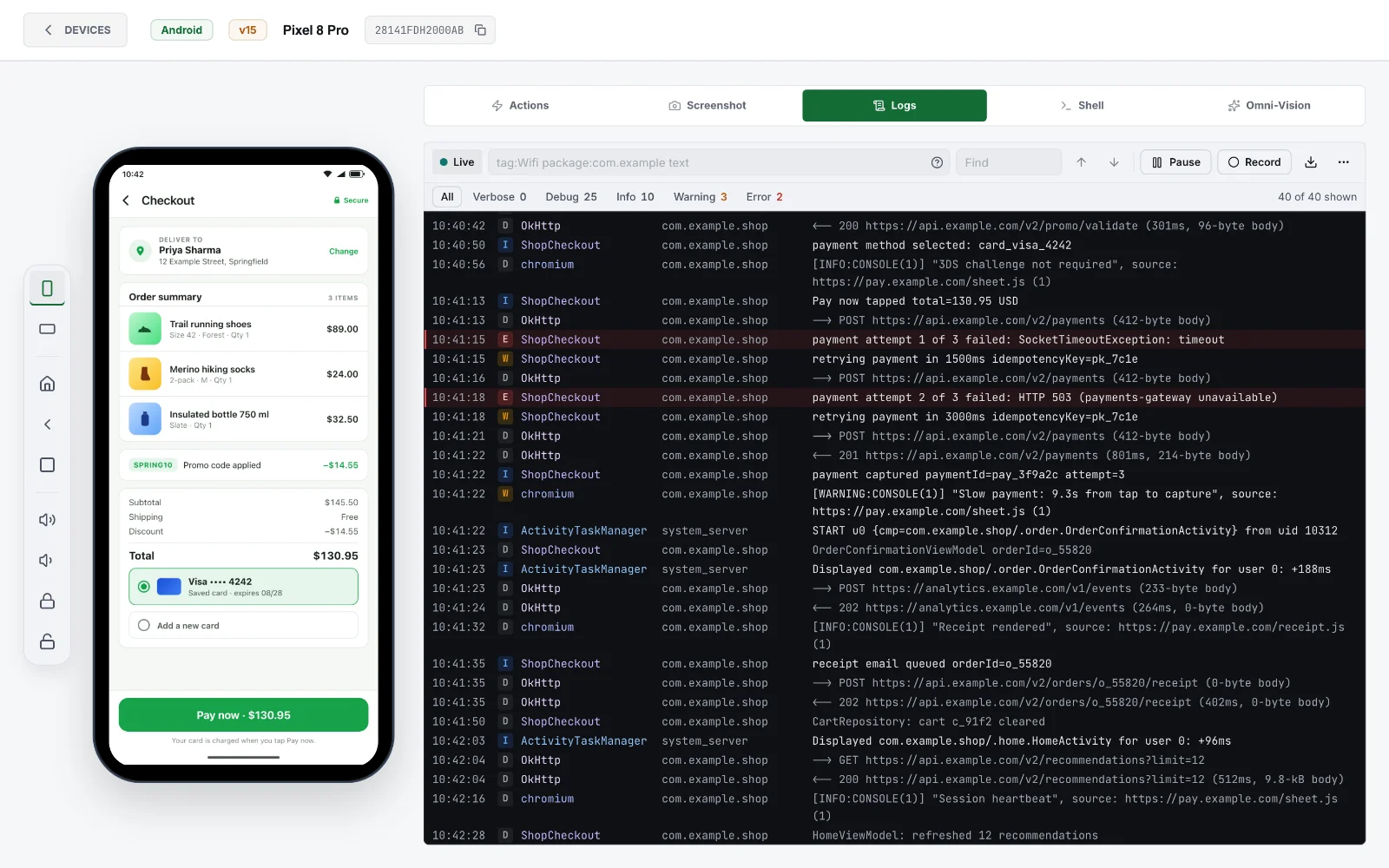
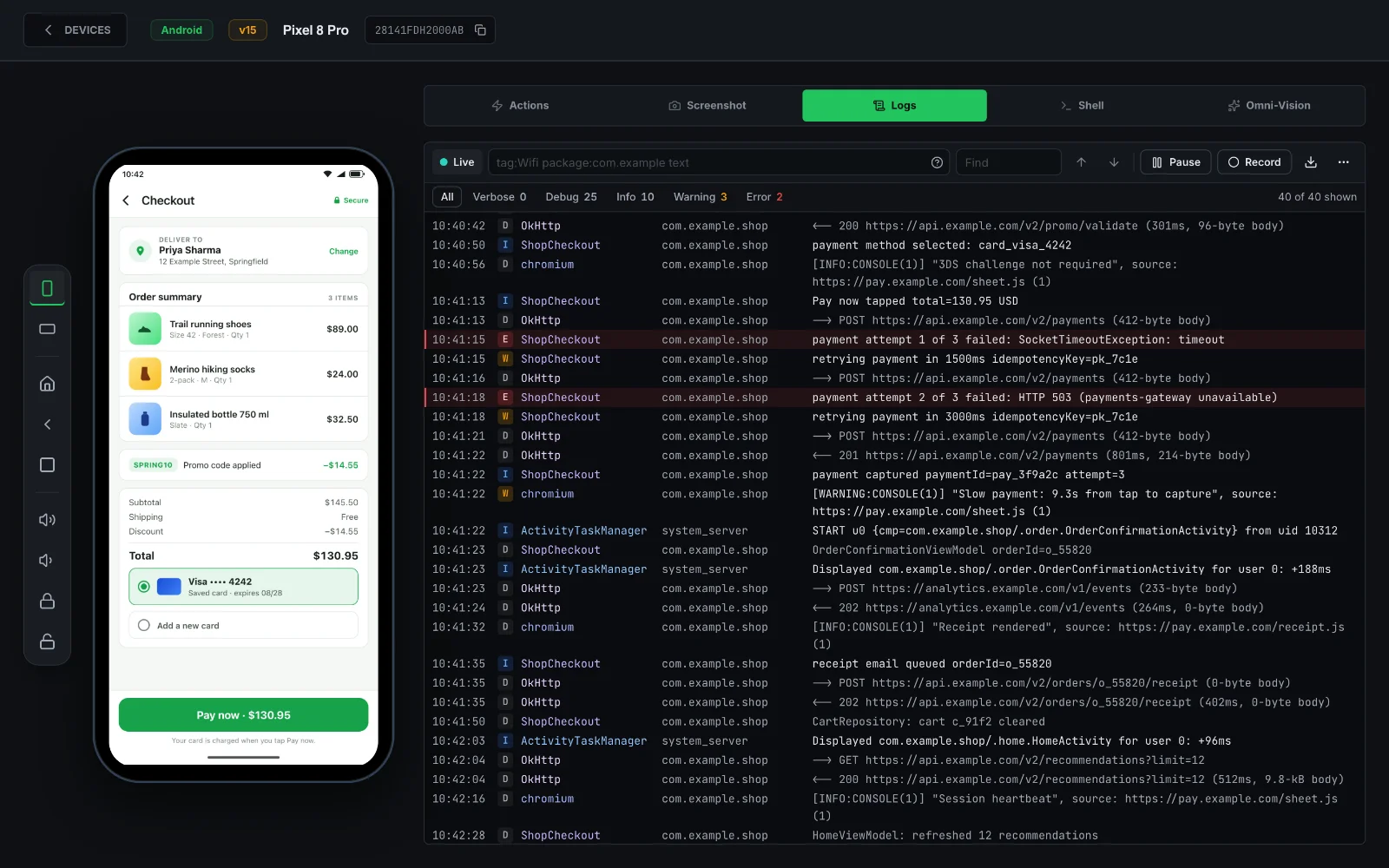
- Live preview on every phone, with optional hardware H.264 on Android
- Android logs streamed live, with filters
- Install apps from the library, read the clipboard, take screenshots
- Record several phones side by side, with marks and a proof bundle
Test evidence
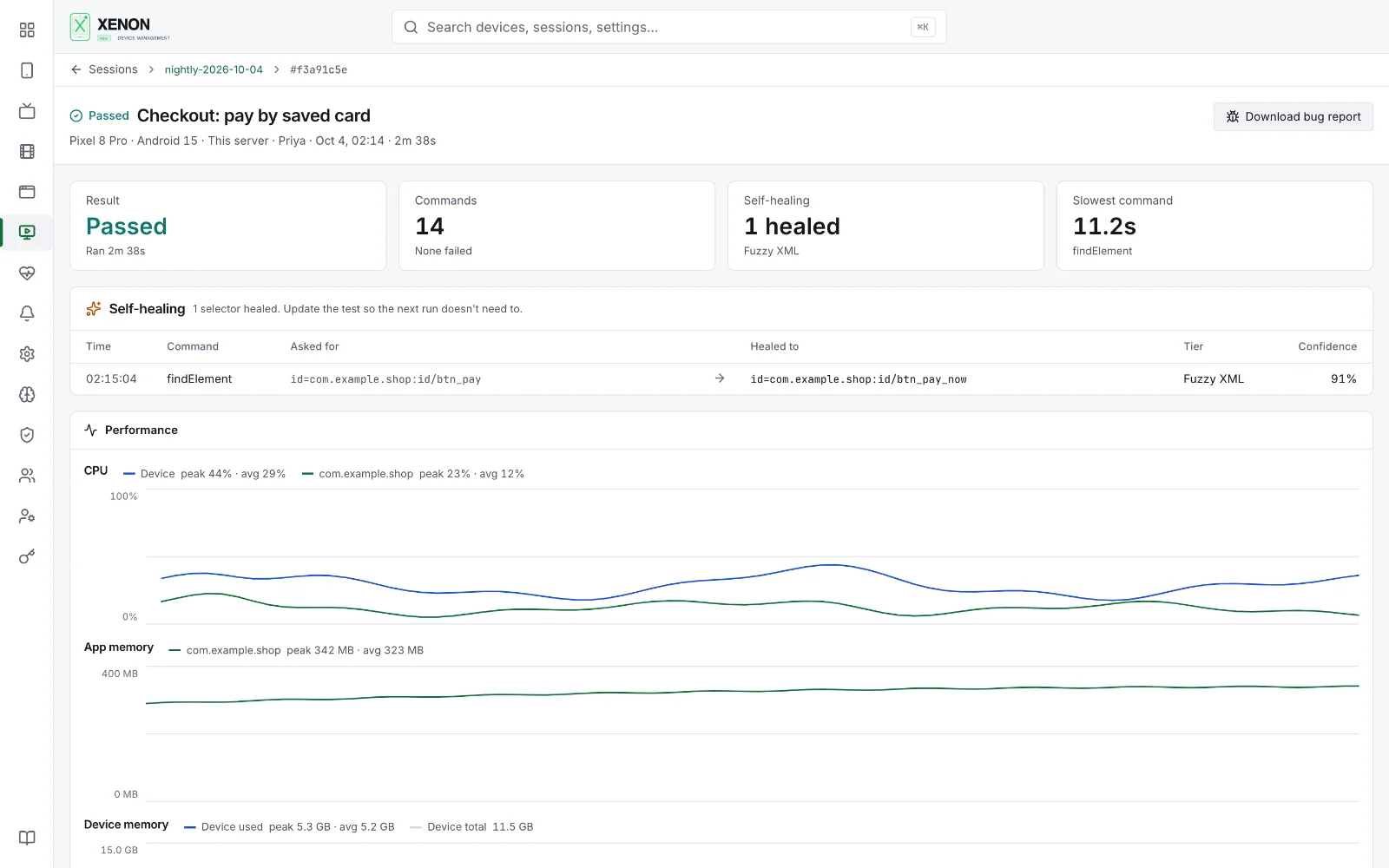
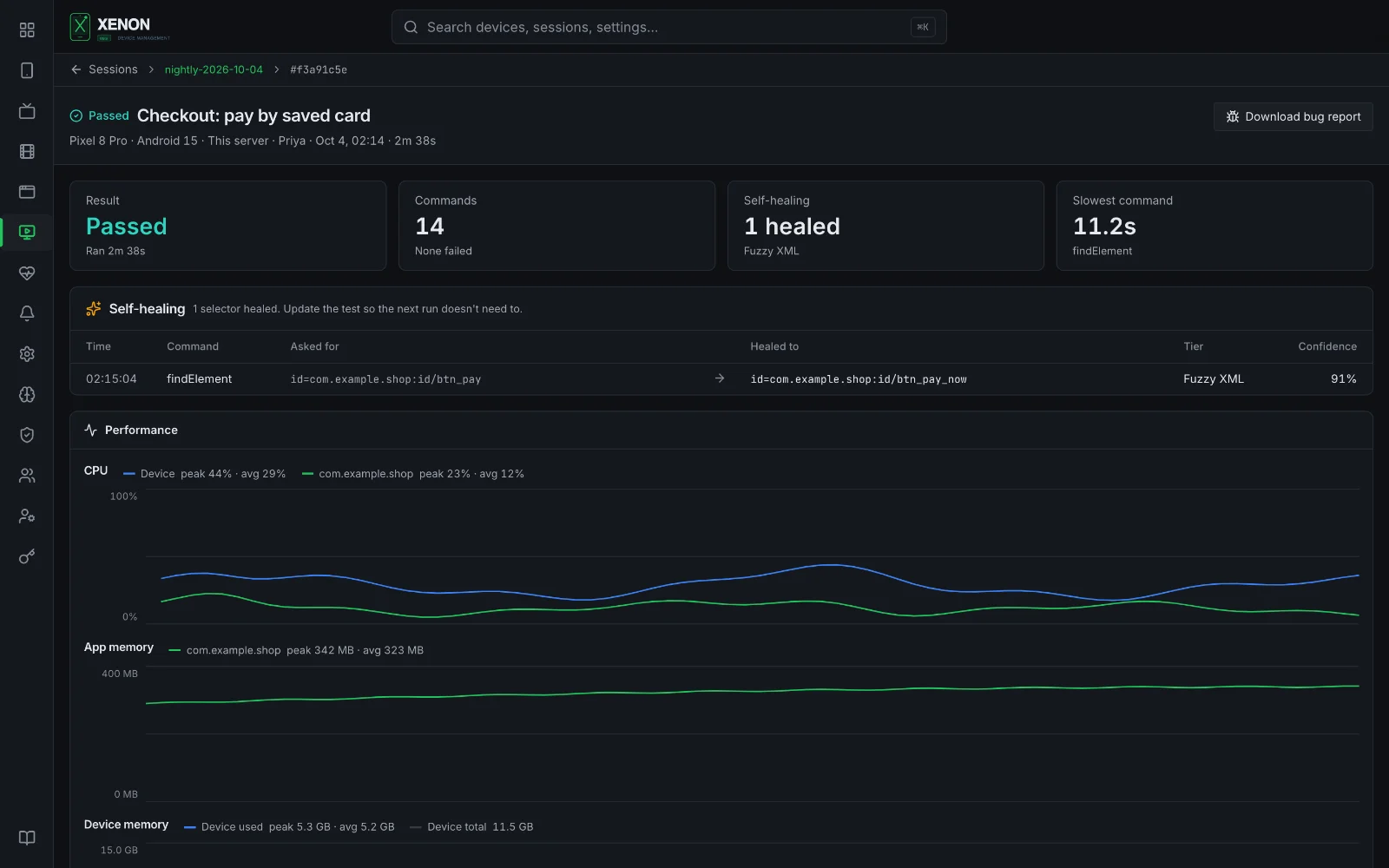
Every session explains how it ended.
Each session opens with its result and why, then everything you need to see what happened.
- Video and screenshots, the device's logs and every command
- CPU and memory charts for Android and iPhone
- Sessions grouped by build, with pass rate, failures and durations
- Network capture with mocks and HAR export (Android)
Self-healing
A moved button shouldn't fail the build.
When findElement fails, Xenon can first wait out a slow screen, then try six strategies, cheapest first. The AI tiers run on your own provider key, or a local model.
- TIER 0ResilioStored fingerprints from earlier runs
- TIER 1NativeYour selector as written, retried with autowait on
- TIER 2Fuzzy XMLPage source vs the fingerprint
- TIER 3OCRThe element's text on screen
- TIER 4Visual AIA screenshot, analysed
- TIER 5LLMPage source and selector, reasoned
Built for teams
Shared, governed, and yours to run.
Roles and teams
Super admin, admin and member. Teams decide which devices each person can reach; everything else looks like it doesn't exist.
Scoped credentials
Access key and token pairs, short-lived bearer tokens, single-use tickets for streams and downloads. A token can't be made with more than its creator has.
Owner-checked sessions
Optional credentials on every Appium command, not just the first, with sessions only their owner can drive.
Hub and nodes
Every machine's devices behind one URL. Nodes survive a hub restart; the hub forwards, never re-runs, a command.
Complete API
Every route documented in OpenAPI, with roles, scopes and answers, and JSON errors throughout.
Self-hosted
Your devices, your network. SQLite built in, one database file per server, and OpenTelemetry traces and logs.
Works with
- Appium 3
- UiAutomator2
- XCUITest
- WebdriverIO
- Java client
- Python client
- Kotlin SDK
- Xenon Control for Mac
- OpenTelemetry
- Gemini · OpenAI · Anthropic · Ollama
Quick start
Running in three commands.
- 1Install the plugin and a driverappium plugin install --source=npm \@xenon-device-management/xenonappium driver install uiautomator2
- 2Start Appium with the dashboardappium server --use-plugins=xenon \--plugin-xenon-platform=both \--plugin-xenon-enable-dashboard
- 3Point a test at it'xe:options': {accessKey: process.env.XENON_ACCESS_KEY,token: process.env.XENON_TOKEN,},'xe:build': 'nightly',
Bring your device lab together.
Open source under the ISC license. Install it on the Appium server you already run.